
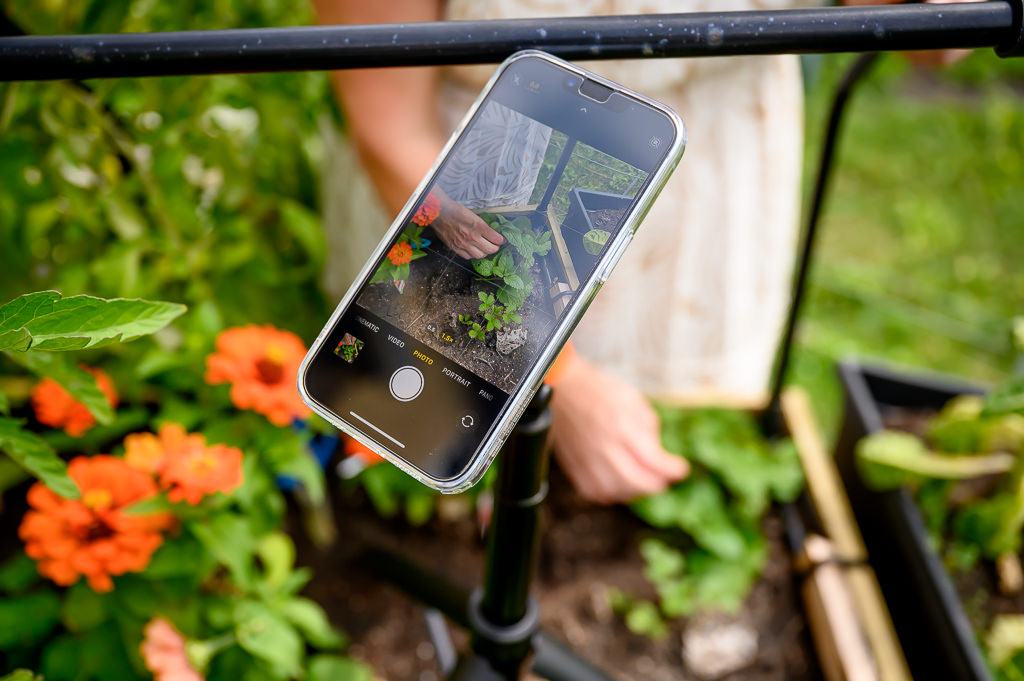
As a professional photographer with super expensive gear, I have to say that I’ve discovered a surprising love for iPhone photography as a side hobby. I think the delight comes from simplifying the camera, not fussing over complex techniques and creating great results that make me happy.
So today, I’d like to share my top 4 favourite tools for iPhone photography (and videography) to inspire you to take your photography to the next level… not by investing tens of thousands of dollars into professional gear, but by using simple tools to jump into the wonderful world of playing with the iPhone camera.
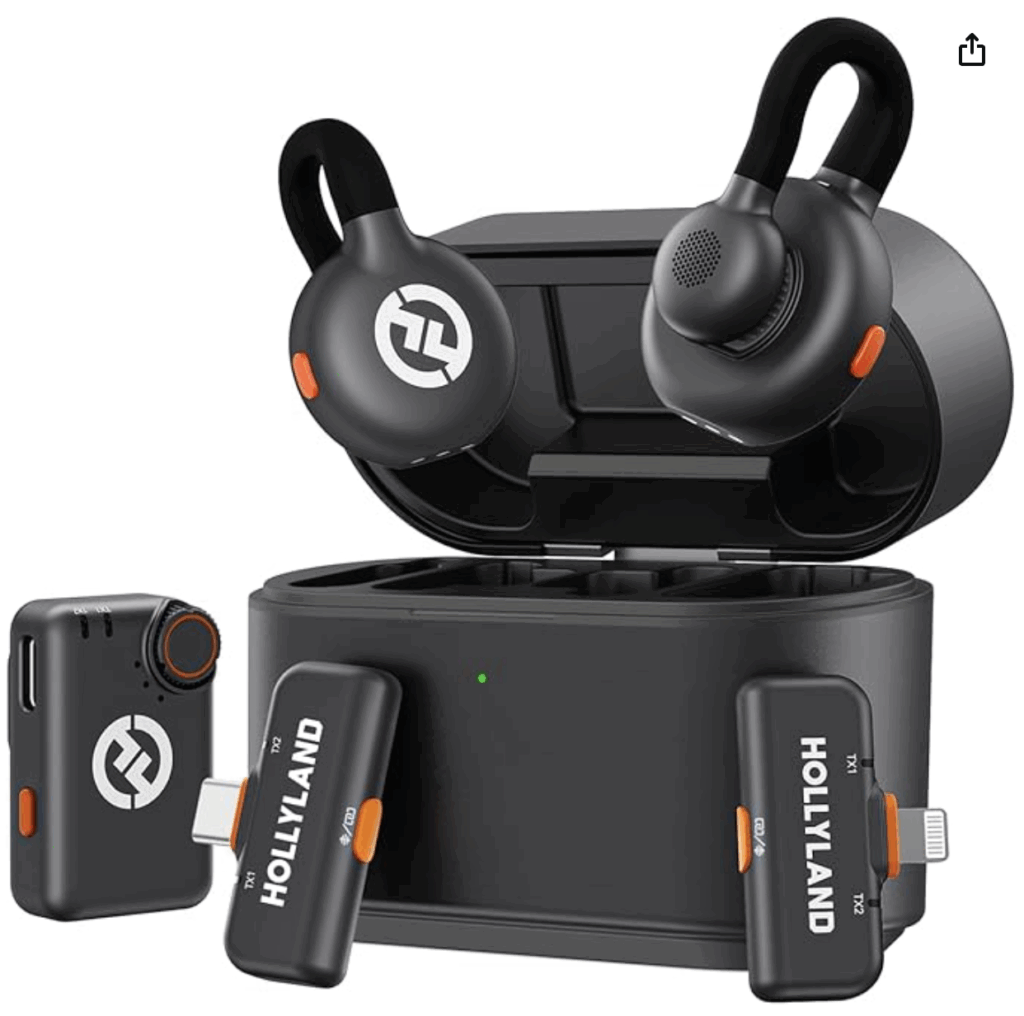
(1) Wireless Lavalier Mic for my iPhone (Hollyland Lark M2S Ultimate Combo)
At under just $200, this two-mic kit has been fantastic for recording reels and videos on my iPhone. The sound is great and the mic is easy to clip on. The whole box is easy to recharge and the mic itself is pretty discreet when clipped on to a shirt. (not an affiliate link)
(2) Canva
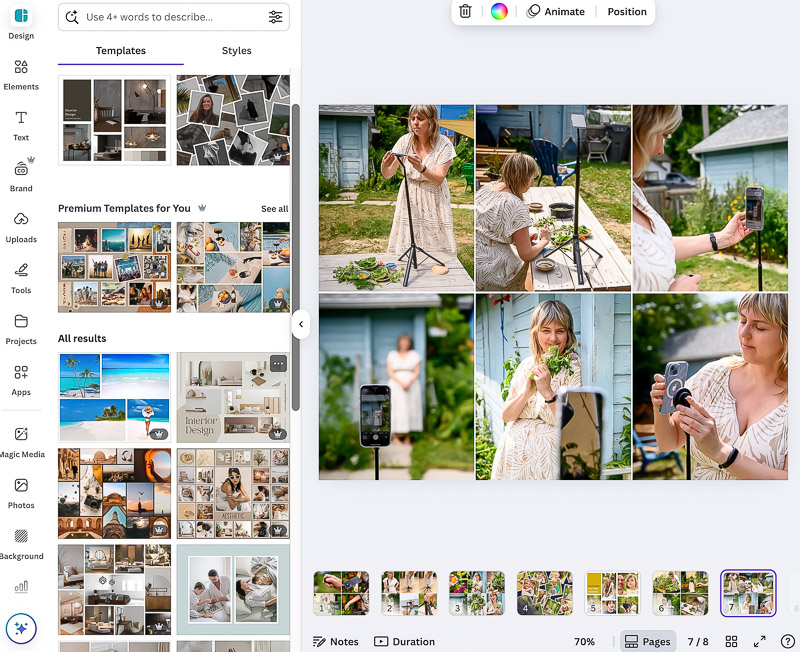
I create a lot of PDFs, slides, layouts for Instagram and other graphics with my photos, and I find Canva to be the easiest and most versatile program out there. There is a free version, but I upgraded to the pro subscription so that I could have more storage space, add my branding assets and have access to more stock graphics and layouts. (not an affiliate link)
(3) Lightroom Mobile
If you are an iPhone photographer, you MUST have the Lightroom app on your phone! It’s the best photo editing app out there, and is great for quickly resizing images. You can create your own presets, copy and paste settings onto other similar photos (to save editing time) and organize your photos into albums. There’s a free version of the app that is great, but the subscription is worth the $16 CAD/month it costs. The pro perks are great (spot removal, masking, bulk editing, etc.)
(affiliate link but I only promote products I personally use and love!)
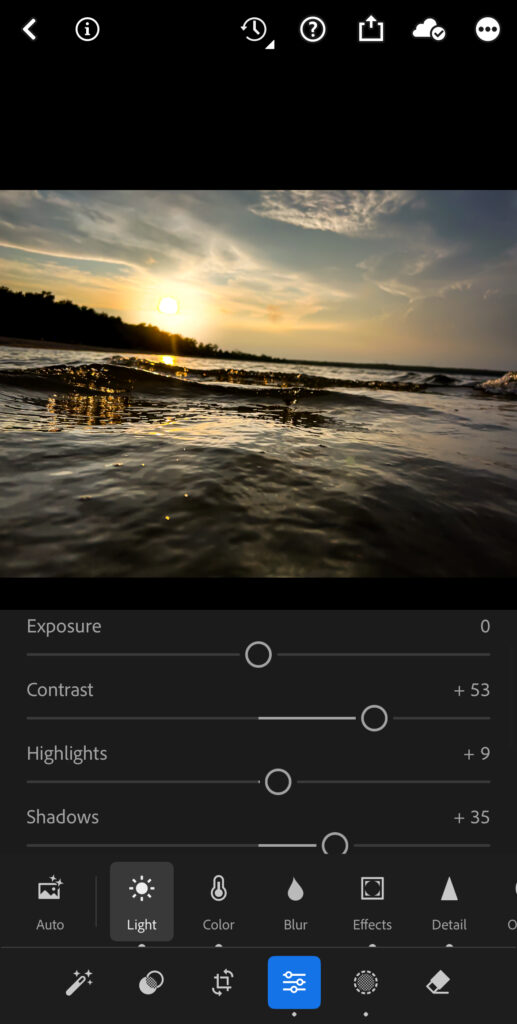
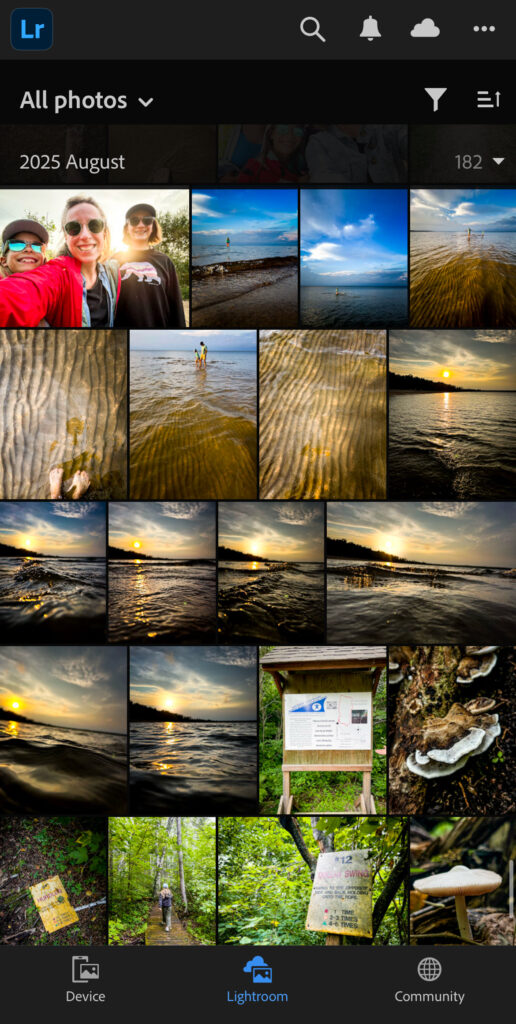
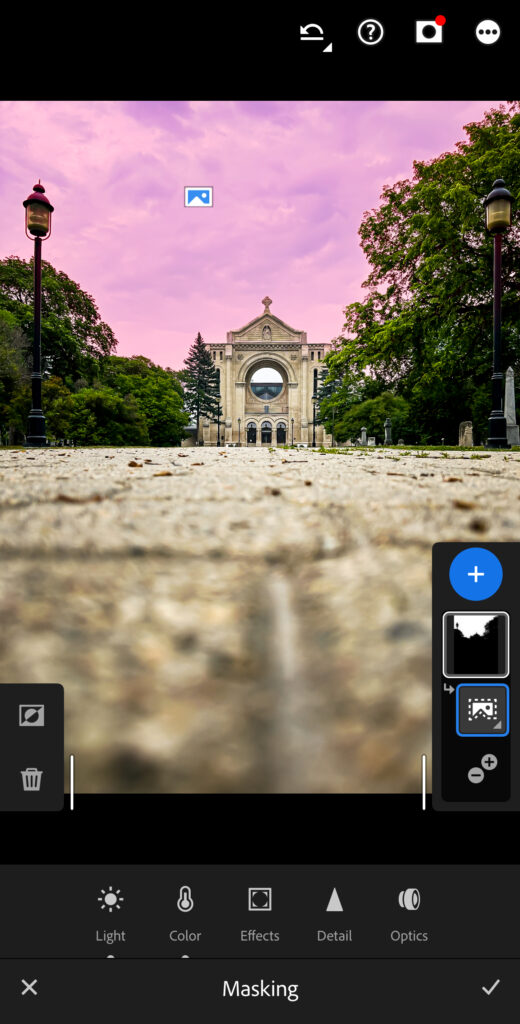
To learn more about how I use Lightroom Mobile and why I love it, visit my blog post here.
(4) Tripod with Bluetooth remote (JustTap Magnetic Phone Tripod)
When taking group photos (with you included in the photo!), selfies or talking videos of yourself, using a good tripod with a remote is key. I’ve tried a few over the years, and my favourite is one made by KraftGeek.
It’s super easy to set up, and the phone attaches with a magnet without any bulky grips or clamps in the way. The bluetooth remote lets you start and stop record or press the shutter remotely, so you don’t have to touch the phone or use the self-timer. I love it! It’s $42.99 US but with coupon code GABRIELLE you get 10% off.
(affiliate link but I only promote products I personally use and love!)
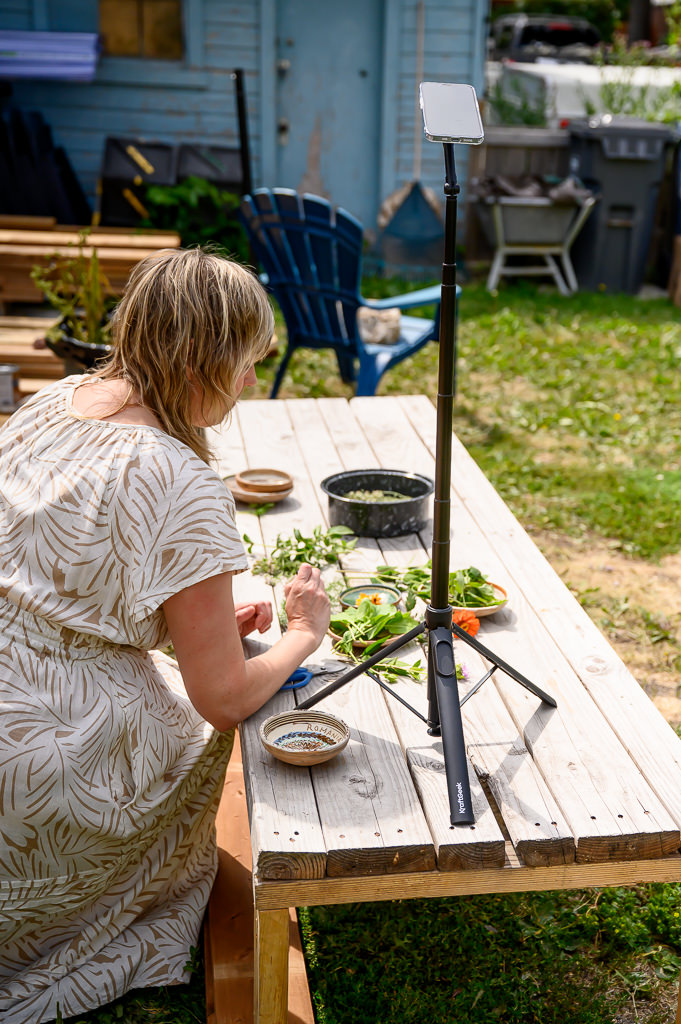
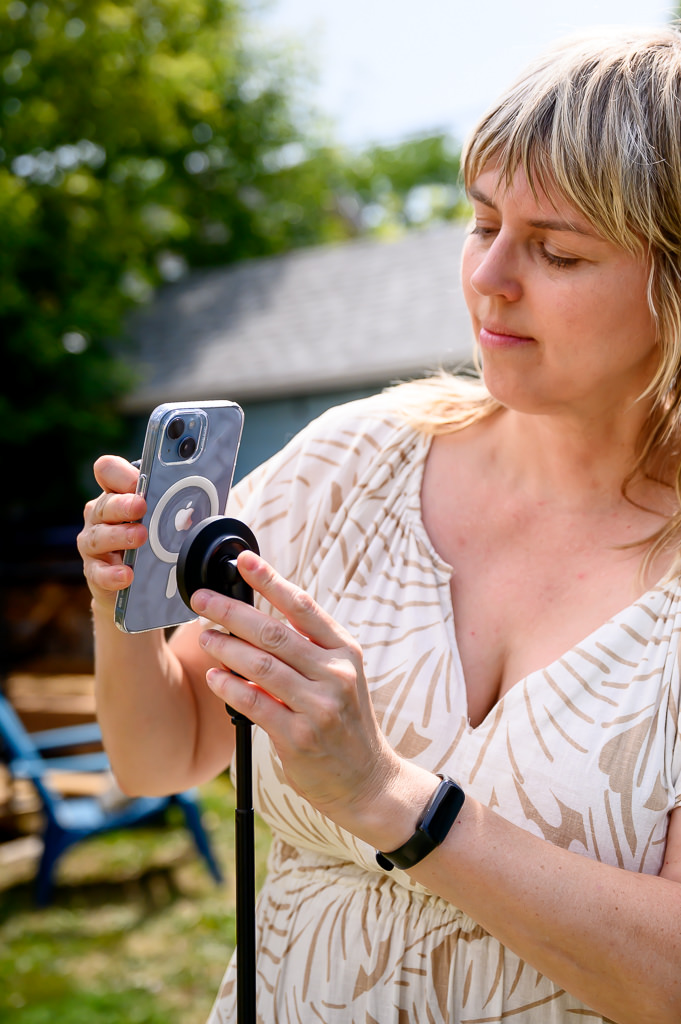
And if you’re wondering what I shoot with? It’s an old iPhone 14. It fits in my back pocket, it’s always on me, so I am never without a camera! I love the convenience of photography on the go like this.
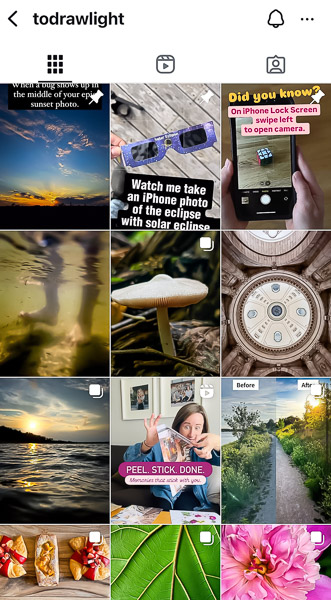
Follow me on my iPhone photography Instagram account here.
Get inspired, see what I’ve been up to and learn a few photo tips along the way!
Curious about getting into phone photography?
I have a ton of tips, articles and teaching videos available at: